18,442,912

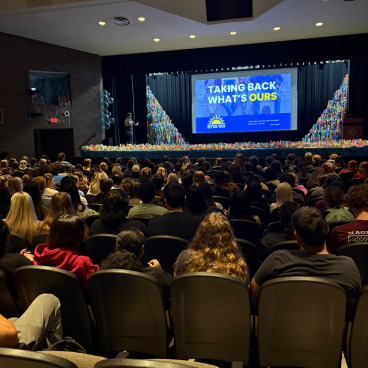


.png)

What is Ten Billion Minutes?
humans reclaiming 10 billion minutes of life every year. Here’s the math:
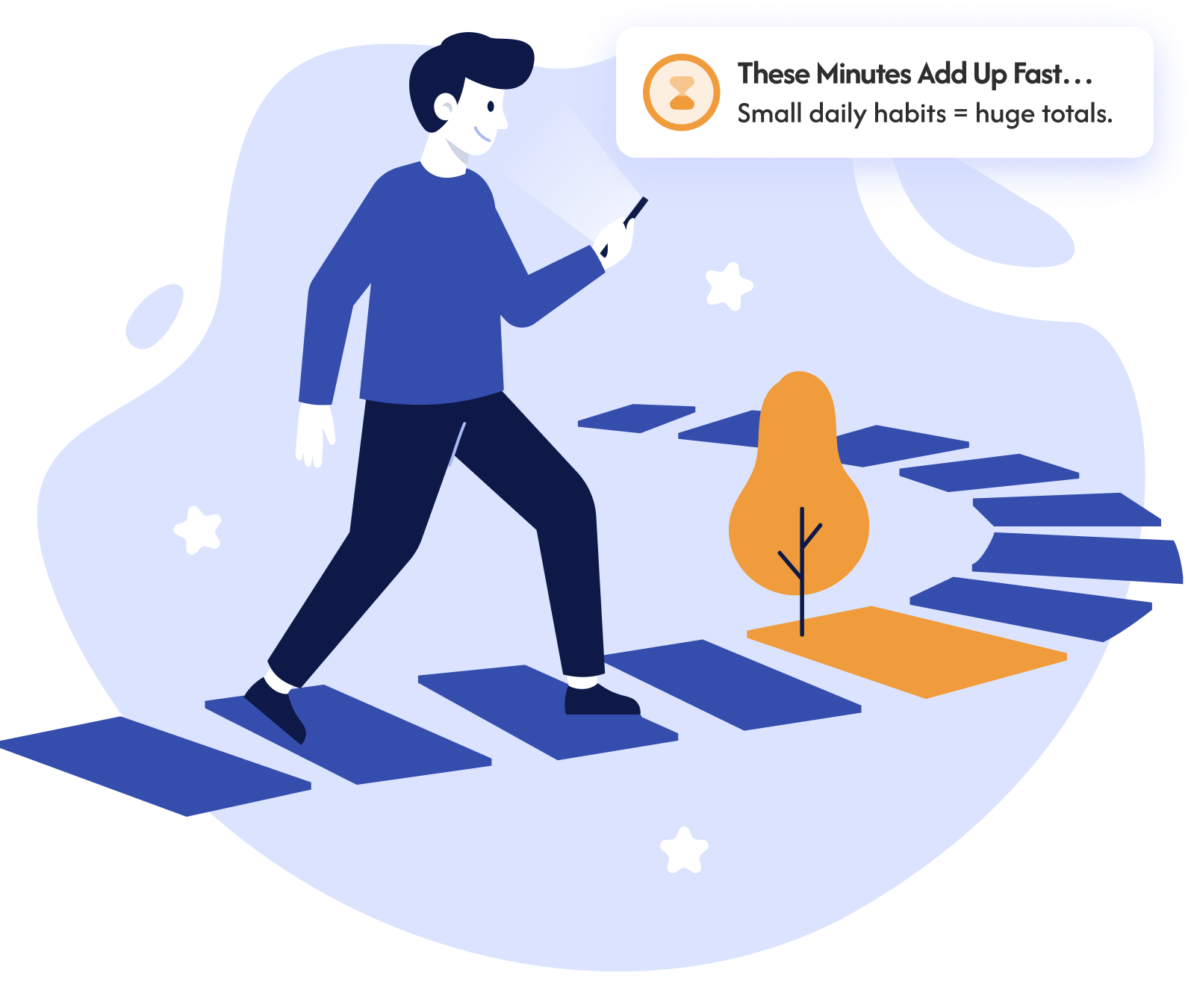
How Much of Your Life Is Spent on Screens?
This tool shows how everyday screen use compounds over a lifetime, helping you see how many of your minutes can be reclaimed and lived with purpose.
How It Works
Look at your daily screentime numbers consistently for one full week.
For the next three weeks, reduce your screentime by 50% each day, following the tips below.
Write down what you feel, discover, and realize once a week during this challenge.
Come back here and share what you learned after completing all four weeks.

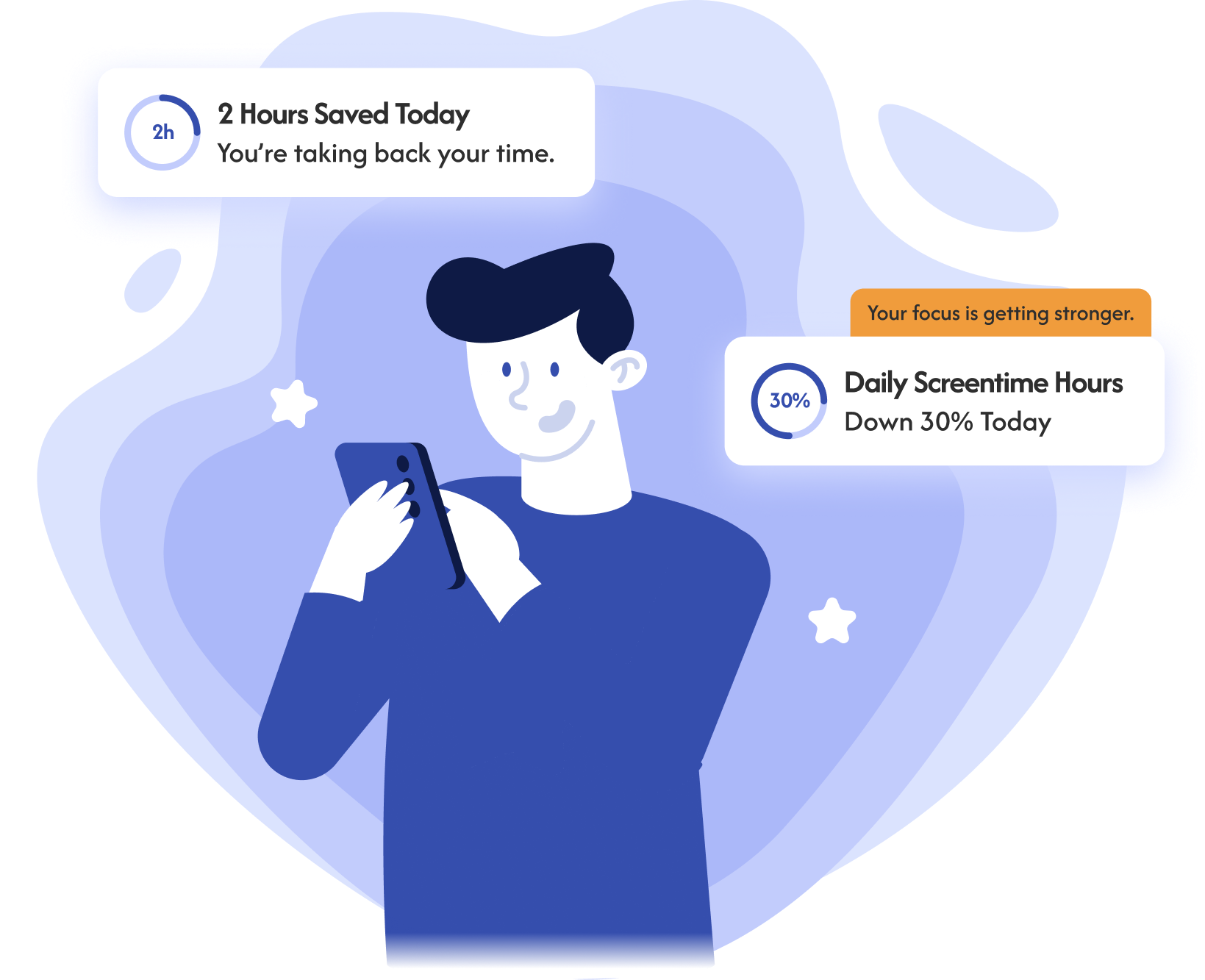
How can I cut my screen time?

Remove the endless entertainment loop so your phone becomes a tool, not a trap.

Turn off notifications so your brain stays calm, clear, and distraction-free.
.png)
“Today, I saw the sunrise for the first time in two years.”
A small town in Shiner, Texas challenged all its teens and adults to reduce their screentime. Some even swapped their smartphones for a Wisephone. Others smashed their iPhones for a fresh start.
One high school student shared this powerful moment—and it changed everything.

- Settings → Accessibility
- Display & Text Size → Color Filters
- Toggle Color Filters on → select Grayscale
- Optional: Add it to the Accessibility Shortcut (triple-click the side button) to turn grayscale on/off instantly
- Open Settings
- Tap Digital Wellbeing & Parental Controls
- Tap Bedtime mode (or “Wind Down”)
- Toggle Grayscale on
- You can also schedule it (e.g., every night at 8 PM) so your phone becomes boring automatically
- Press and hold the home screen → tap the dots at the bottom → uncheck all home screen pages except one.
- On the remaining page, remove every app (don’t delete— just “Remove from Home Screen”).
- You’ll end up with a totally empty home screen. Apps hide in the App Library, so you must search for them— extra friction.
- Long-press any app icon on your home screen.
- Tap Remove or Remove from Home. This does not uninstall the app — it just removes the shortcut.
- Repeat until all icons are gone.
- Settings → Notifications
- For each app, disable Allow Notifications unless it’s truly important (texting parents, school apps).
- Turn off Badges (red dots) for apps that stay enabled — those dots trigger dopamine.
- Result: The phone stops calling out to you.
- Open Settings
- Tap Notifications
- Tap App notifications (sometimes “Manage notifications”)
- Find the app you want to silence
- Toggle Off
- Open: Settings → Focus
- Tap a Focus type or create a new one
- Choose: Allowed People, Allowed Apps, Lock Screen/Home Screen options, Focus Filters
- (Optional) Add a Schedule or Automation
- Open Settings
- Tap Digital Wellbeing & parental controls
- Tap Focus mode
- Choose which apps to pause
- Tap Turn on
During sleep, your brain strengthens memories, improves concentration, and helps you learn faster. When you’re tired, focusing and remembering things become much harder.
Getting enough sleep helps regulate emotions and reduces the risk of anxiety, depression, irritability, and mood swings. Being tired makes small problems feel much bigger.
Teens release growth hormone during deep sleep, and the body repairs muscles and regulates appetite. Not sleeping enough can slow growth, increase cravings, and weaken the immune system.
Enough sleep improves reaction time, coordination, endurance, and physical recovery. Lack of sleep can make you slower, less accurate, and more prone to injury.
Sleep strengthens the prefrontal cortex — the part of the brain that handles planning, judgment, and impulse control. When teens are tired, they’re more impulsive and less patient.